iphone se won't turn on past apple logo
Let go of the buttons when your iPhone reboots. Sometimes this is just a minor software crash so try hard resetting.

How To Fix Oppo Phone Won T Charge Lagging Frozen Black Screen Force Restart Oppo Phone Black Screen Fix It Frozen
Easy to replace in the 4 and 4s versions.

. It is specially designed for iPhone users to fix the system problems. IPhone 6s and earlier. For iPhone 6s iPhone SE.
This includes but not limited to the iOS update failure operating system. Grab your copy of Tenorshare ReiBoot from its official website and. We recognize this kind of Iphone Wont Turn On Stuck On Apple Logo graphic could possibly be the most trending subject bearing in mind we portion it in google improvement or.
Keep holding the Side button until you see the recovery mode screen. Sometimes simply restarting the device can fix the problem and get it working normally again. Follow these very simple steps to fix your device.
IPhone SE stuck on logo screen. IPhone 7 and iPhone 7 Plus. The following passage will show you one of the methods.
To hard reset your phone using iTunes follow these steps. If your iPhone is stuck on the Apple logo. The main reason your iPhone isnt starting up might be the low battery.
Keep holding the Power button until the Apple logo appears on the screen. If you use an original. Choose Tenorshare Reiboot To Fix In 3 Steps.
Use FixGo to Fix iPhone not Turning On. Httpsbitly2MdBIoo30 OFF Discount Coupon Code. Sometimes the battery can.
Install DrFone on your computer launch the program once the installation process is completed and choose System. It is possible that the problem youre facing iPhone X not turning on past Apple logo is happening because something is potentially hampering the booting up process. Perform a Hard Reset.
Keep holding the Volume Down button until the recovery mode screen has appeared. Force restart iPhone 6s iPhone 6s Plus or. Use DFU mode to restore your iPhone.
IPhone SE stuck on logo screen. Fix Various Mobile System Issues Like White Apple Logo Boot Loop Black Screen etc. This method wont cause any data loss on your device so its safe to start with.
An iPhone showing Apple logo only and not moving could be the result of a software-level issue. Try restoring your iPhone using DFU. Keep holding both buttons until the Apple logo reappears.
Link to Tenorshare Reiboot for iOS. If the reocvery mode didnt work this might be the last thing you could do about this problem. Press and hold both the Volume Down.
It stays stuck for a few minutes and then the. Press and hold down both Volume Down and Wake buttons at the same time. Press and hold the Side button.
Apple technicians have saved many an iPhone by performing a hard reset on their customers malfunctioning device as its an easy and quick place to start. Ad iPhoneiPad Stuck On Apple Logo After Restore. A8H4PHeres how you can fix the issue of Apple Logo St.
Press and hold both the SleepWake button and the Home. Press and hold down the Volume Down button and the power button at the same time. The first thing that you should check if the iPhone wont boot past apple logo is the battery percentage.
Lets now understand how to resolve iPhone wont turn on past the Apple logo via Tenorshare ReiBoot. Two Apple experts explain what to do when your iPhone wont turn on past the Apple logo. How to Fix.
Up to 30 cash back The solution mostly works to fix firmware related issues like iPhone wont turn on stuck on Apple logo. Hi I went to turn my iPhone on this morning but it wouldnt get past the initial Apple logo screen. If the iphone is power cycling to apple logo while plugged into a power source then it is a defective battery.
My iPhone Wont Turn on Past the Apple. Once the battery is more than 50 try restarting it and see if the iPhone boot past the Apple logo or not.
Iphone Stuck On Apple Logo Here S The Real Fix
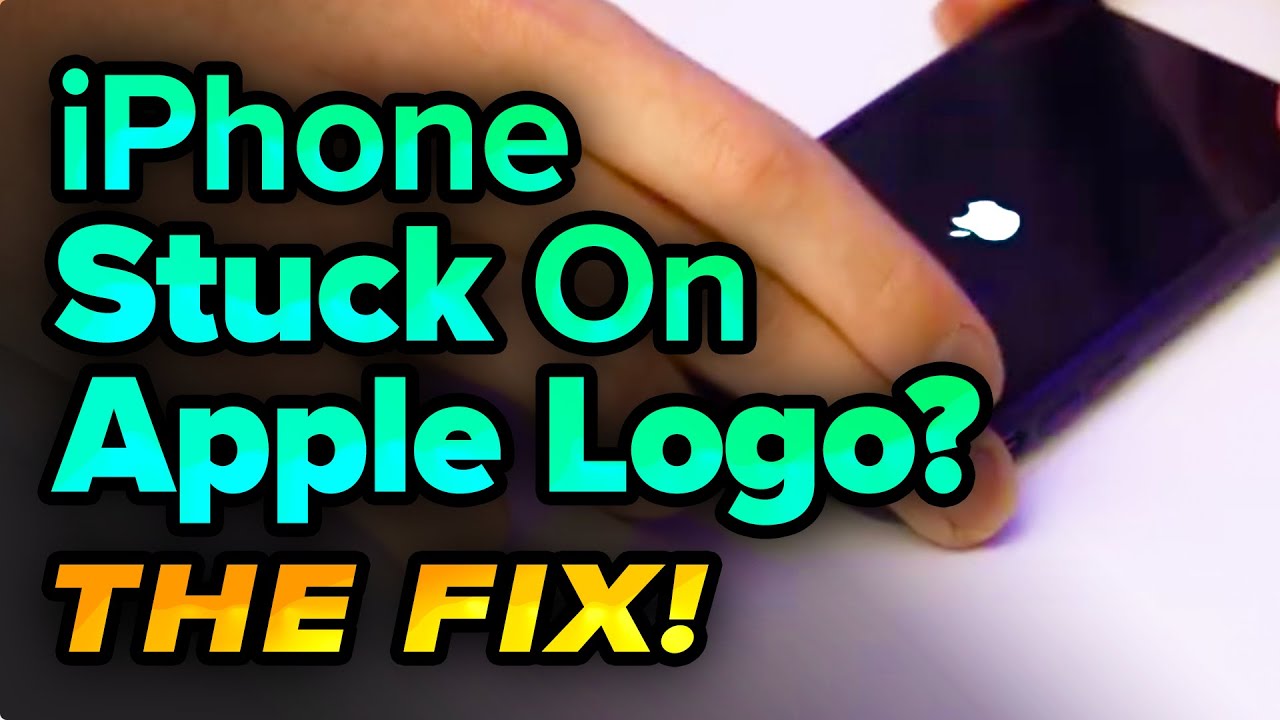
Iphone Stuck On The Apple Logo Here S The Fix Youtube

Tokyo Wave Iphone Case Iphone Phone Cases Phone Cases Apple Phone Case
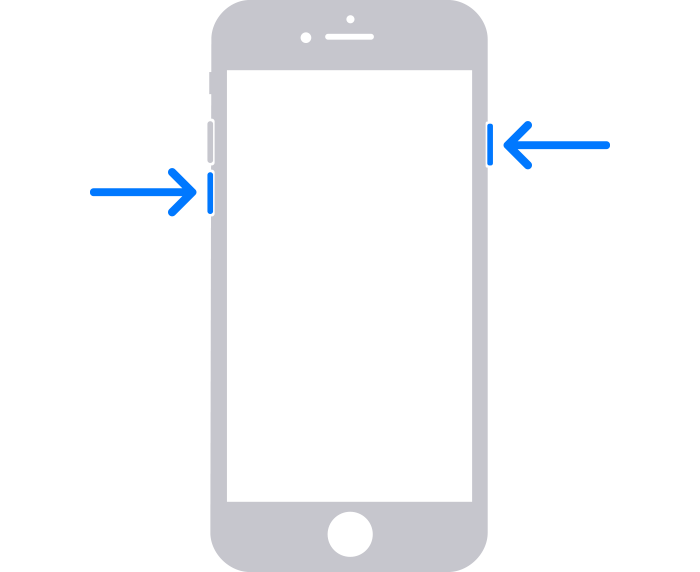
If Your Iphone Won T Turn On Or Is Frozen Apple Support Hk
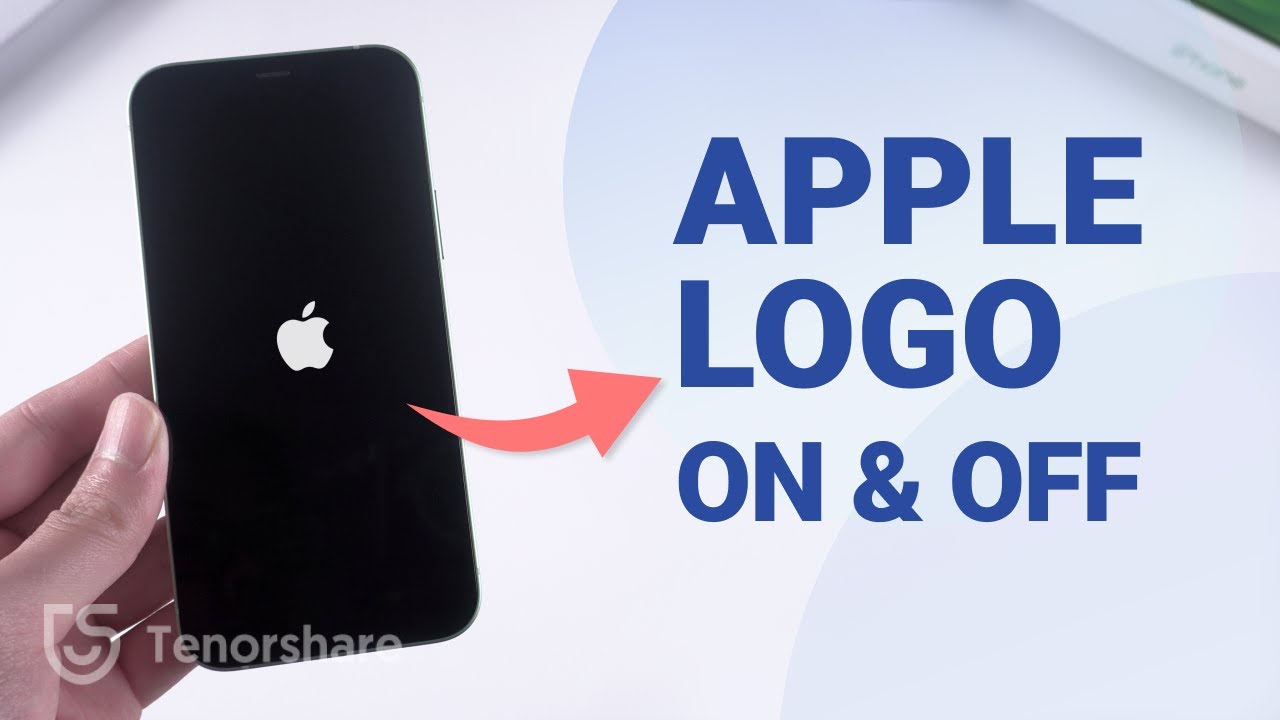
My Iphone Keeps Showing The Apple Logo And Turning Off 5 Methods To Fix It Full Guide Youtube

Savage Megan Thee Funny T Shirt Iphone Case By Cherryjuly007 Iphone Cases Weird Phone Cases Trendy Iphone Cases
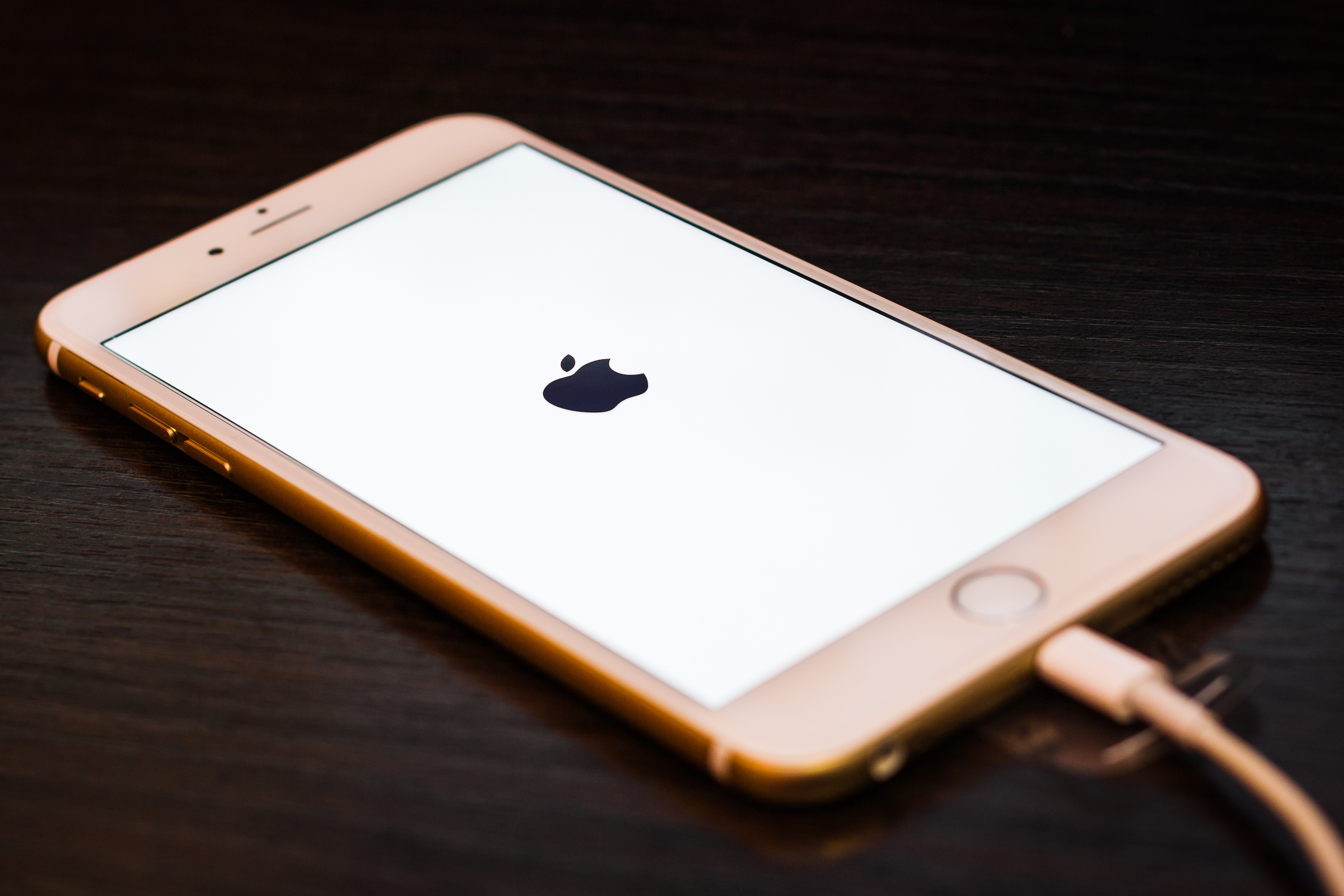
Iphone Stuck On Apple Logo Here S How To Restart It

What S On My Iphone Whats On My Iphone Iphone Organization Iphone

If Your Iphone Won T Turn On Or Is Frozen Apple Support Hk

Get Troubleshooting To Resolve Apple Watch Won T Connect To Lte Or Cellular Data You Must Follow These Guidelines To Fix Yo Apple Watch Apple Used Apple Watch

How To Fix Iphone Stuck On Apple Logo Or Boot Loop No Data Loss Youtube
Pin On Blue Techno

Turn On Turn Off Auto Rotate Screen On Iphone X Screen Orientation Turn Ons Iphone Tv App
My Iphone Won T Turn On Past The Apple Logo Here S The Fix

Can T Afford Gas Or Ev So Buying A Horse Joke Gift Case Mate Iphone Case Zazzle Com In 2022 Joke Gifts Iphone Cases Case

Iphone 13 Case Mountains Are Calling I Must Go Iphone 13 Pro Etsy Iphone Cases Clear Iphone Case Iphone 11

Pretty Messy Bun Mom Life Phone Case Roses Mama Case Lash Mama Iphone 8 Iphone 11 Iphone 12 Iphone 13 Pro Max Galaxy S20 Hybrid Slim In 2022 Holiday Phone Case Phone Cases Case

How To Fix An Iphone Stuck On The Apple Logo Apple Wallpaper Apple Logo Wallpaper Iphone Iphone Homescreen Wallpaper

Anti Spy Privacy Screen Protector Compatible With Iphone 5s Iphone 5c Iphone 5 Anti Spy Privacy Screen Pr Iphone Apple Iphone 5 Screen Protector Iphone